The room in your ears. Always in your language. Pick your language once. When the speaker uses it, you hear them. When they switch, you hear the translation.
On each person's own phone, with their own headphones. People who don't need a translation still get the room clean, at their own volume. In open-plan session areas, loudspeakers become optional, and anyone hard of hearing doesn't have to ask anybody for anything.
- One choice for the whole event
- Open rooms, no loudspeakers
- Everyone sets their own volume
One panel, one choice: English
Floor-Through- The moderator opensEN
In your headphones: You hear her
- The first guest repliesIT
In your headphones: You hear the translationinto English
- A question from the floorEN
In your headphones: You hear whoever is asking
On your phone screen: the transcript when English is spoken, the translation when it isn't.
Choose once, then just listen
- 01
Scan the room's QR code
The page opens in your browser.
- 02
Pick your language
From those active for the event.
- 03
Put your headphones on
That's it: nothing else to touch.
Floor-Through is a feature of the Converso WebApp. It switches between original and translation by the language of the speech, not by single words: a French term in the middle of an English talk doesn't change what you hear.
| The speaker uses | In your headphones | On screen |
|---|---|---|
| your language | the speaker | the transcript |
| another language | the translation | the translation |
The same live captions can also go up on the room's screens.
When the stage speaks your language
Floor-Through becomes Assisted Listening: the room in your headphones. The speaker's voice comes through clean, without the room's echo or the noise around you, and you set the volume. It helps people seated far from the loudspeakers, rooms with difficult acoustics, and anyone hard of hearing. Same phone and same page as everyone else: no device to ask for.
Trade fair halls
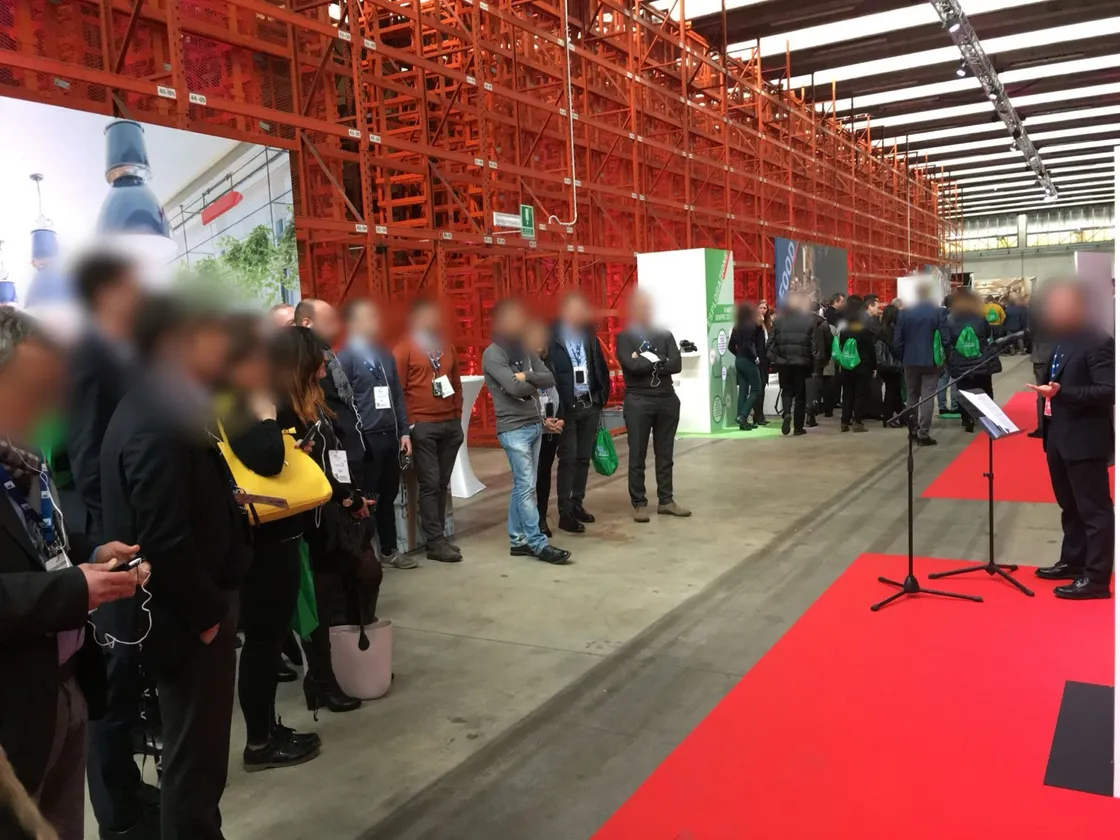
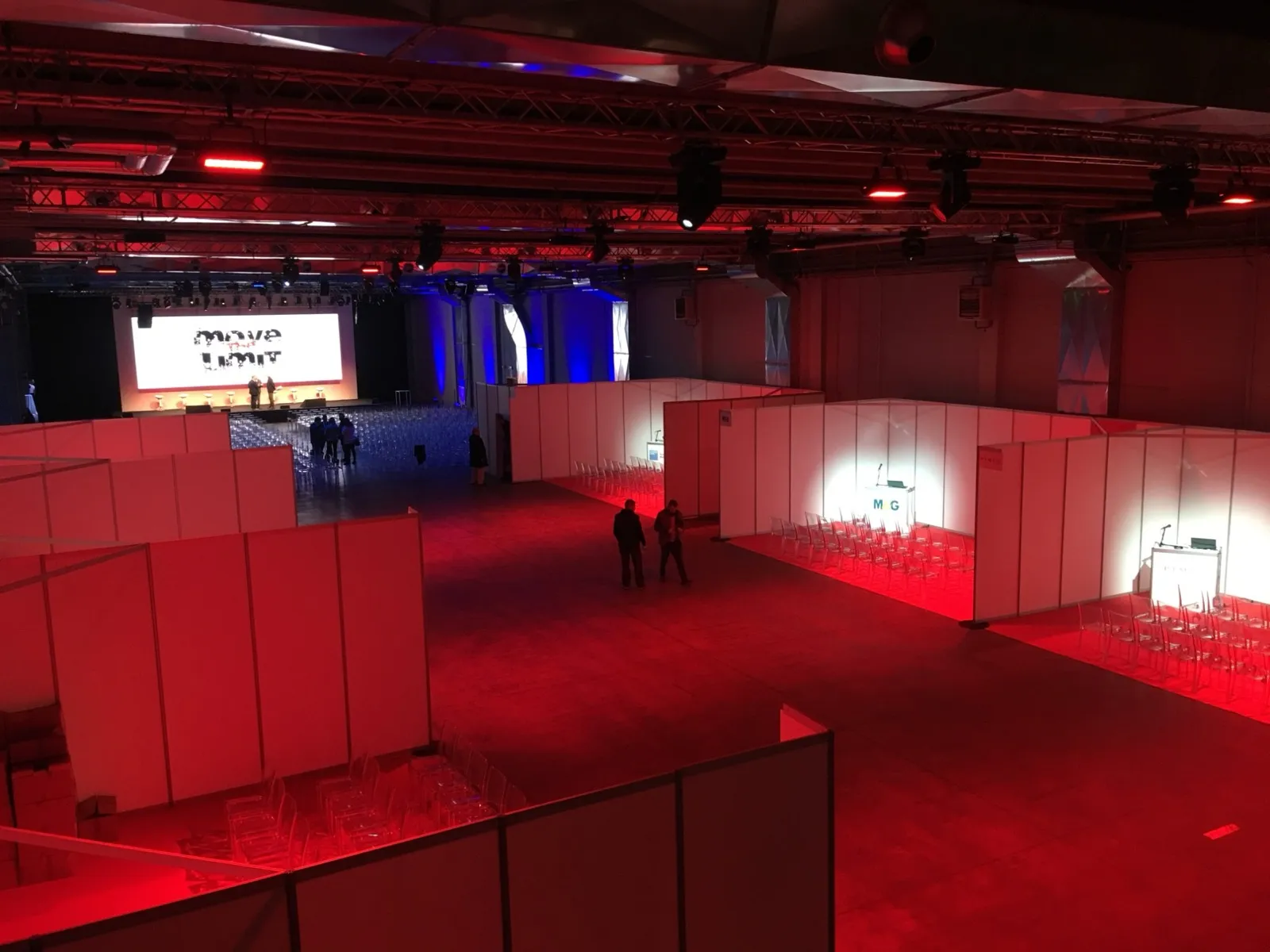
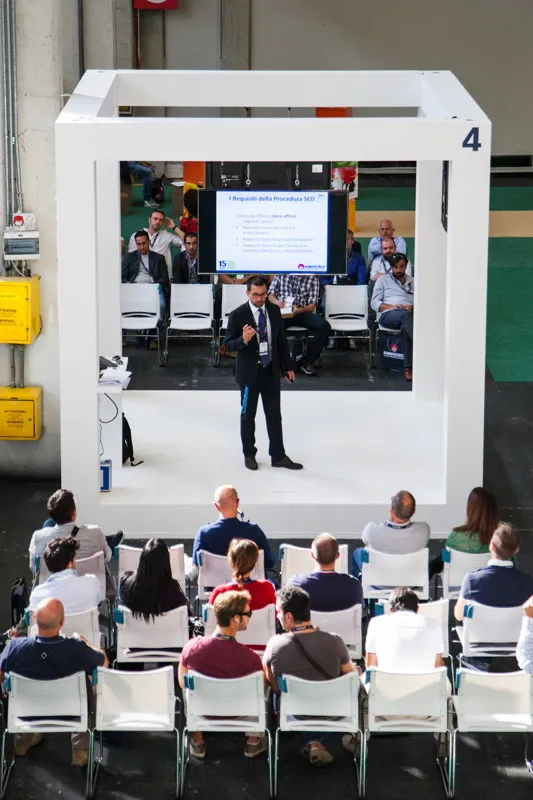
Several session areas in one open space, with no walls and no loudspeakers: each audience hears its own room in their headphones. At Cibus Tec and Labotec 2026, three open rooms had three separate listening channels.
Conferences and bilingual panels
Listeners don't need to know in advance who speaks which language: the room always reaches them in theirs. At BIT 2026, the audience followed the panels without ever taking their headphones off.
Conventions with an international audience
An event run in the local language, with part of the audience from abroad: one setup for everyone, and no split between people with headphones and people without.
Accessibility
Large rooms, difficult acoustics, people at the back, people who are hard of hearing. Together with captions, everyone chooses to listen, to read, or both.
All we need from the room: the floor
The microphone audio, clean. During the event, the control room doesn't have to do a thing.
- The floor
- It reaches our platform through Floor-In or the RSI Bridge.
- The translation
- It comes from interpreters at the RSI Hub or from AI simultaneous interpreting. The platform switches between original and translation, not the mixer, because both the floor and the translation run through it.
- At trade fairs: one room, one floor, one QR code
- Every room has its own floor and its own QR code. In rooms without loudspeakers, the AV team has no spill between neighbouring rooms to deal with.
- On the organiser's website
- The listening page can be embedded in the organiser's website or app, inside each room's page. How we work with AV teams: Production & Service.
What's needed, and who brings it
What we ask of the room is almost always already at the AV desk. We bring the rest.
In the room
Set up by the AV company or the venue
A clean floor feed, with no interval music or announcements
A computer at the AV desk with a sound card and Chrome for the Floor-In: the AV company usually has one already. Or the RSI Bridge
A stable network cable reserved for the floor feed: Wi-Fi isn't enough
Wi-Fi sized for the audience, if mobile data isn't enough
Converso
Before and during the event
The platform that switches between original and translation: the AV desk doesn't have to control anything
The translation, from interpreters at the RSI Hub or from AI Simultaneous
A QR code for each room, with the listening page
A technical test with the room technician
The audience
Nothing to download
Their own phone and earphones: they scan the QR code and pick their language once
People with a hearing aid connect it to their phone and hear the room straight in their ear
For anyone without earphones, a courtesy kit on request
The details are in the technical sheet we send before the event. We talk to the venue's or the AV company's technician ourselves: you just put us in touch.
Do I need to download an app?
No. It's a WebApp: it opens in the browser when you scan the QR code, on iPhone and Android.
Does it work with interpreters or with AI?
Both: it isn't an AI feature. Floor, translation and listening all run through the same platform, which sends everyone the audio in their language. When the speaker isn't using your language, you hear the interpreter's voice, or the AI voice with AI simultaneous interpreting.
What if the speaker drops in a word from another language?
Nothing changes. The switch happens when the language of the speech changes, not on an acronym or a foreign term.
What about people who don't have headphones?
Our courtesy kit has disposable earphones and adapters for phones without a headphone jack.
Can a room work without loudspeakers?
Yes, as long as everyone has the room in their headphones. We've done it at trade fairs: before putting up walls or turning up the volume, try taking the loudspeakers out.
Can I always listen to the original?
Yes: that's Assisted Listening. Choose the stage language and you hear the room, at your own volume.
Does it cost extra?
No, it's a WebApp feature. WebApp quotes are based on the number of people connected: with Floor-Through the whole audience can connect, not just those who need a translation.
Before you turn up the volume, try taking the loudspeakers out.
Tell us about the room, the audience and the languages: we'll tell you how to set up Floor-Through for your event.
Tell us about your event