Simultaneous Translation on Smartphone
Real-time simultaneous translation and audio directly from browser on smartphone, tablet, PC. No app to download.
No Download
It's a Web App: works directly in the browser, no installation required. User scans a QR code and is ready to go.
Any Device
Smartphone, tablet, PC. Works on iOS, Android, Windows, Mac. Each attendee uses their own device.
Multilingual
Supports unlimited audio channels and languages simultaneously. User selects language with a single tap.
Low Latency
Real-time audio with less than 200ms latency. Perfectly synchronized with the speaker on stage.
Secure
Encrypted connection, optional PIN access, SSO authentication for restricted events.
Customizable
Custom skin with client logo and colors. Custom CSS available for advanced customization.
QR Code Access
Each event has a personalized link. The most common way to access is via QR code.
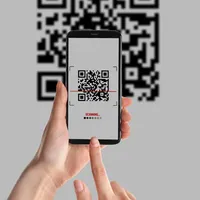
Scan
Projected, posted, or printed on event materials.
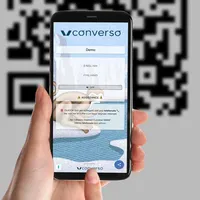
Access and listen
Select the audio channel in your preferred language and listen.
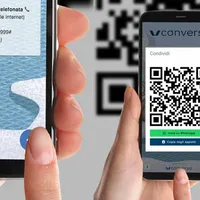
Share
Share the link or QR code with other attendees.
https://pop.converso.app/NOME-EVENTOCustom Skin
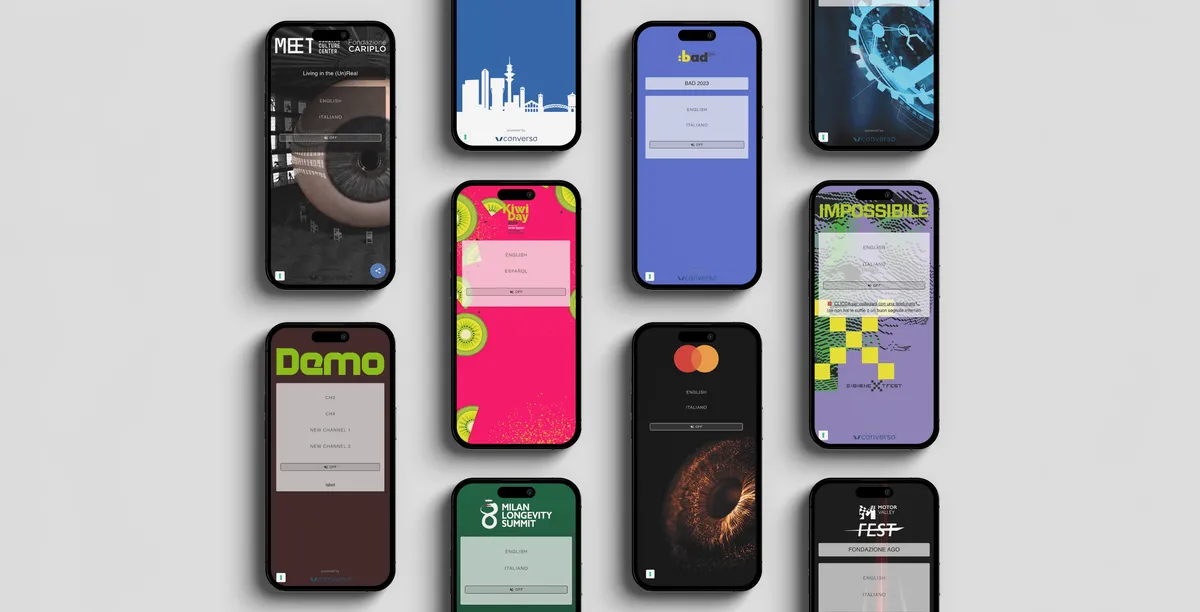
The page is fully brandable with background image or color and client logo. Custom CSS is available for advanced customization.
- check_circleCustom background image or color
- check_circleProminent client logo
- check_circleCustom CSS for advanced styling
- check_circleButtons or dropdown for languages
Just Internet
Works with Wi-Fi or 4G/5G mobile connection. If there's no Wi-Fi, attendees use their own data.
Low Bandwidth
On Wi-Fi, 100 users only need 10 Mb/s.
Low Battery Usage
The web app is static, doesn't engage the display. Used in background with screen off.
Mobile data: Users on 4G/5G download only ~40 MB in 1 hour of listening. Like 4 minutes on Instagram.
Subtitles, Transcriptions and Translations
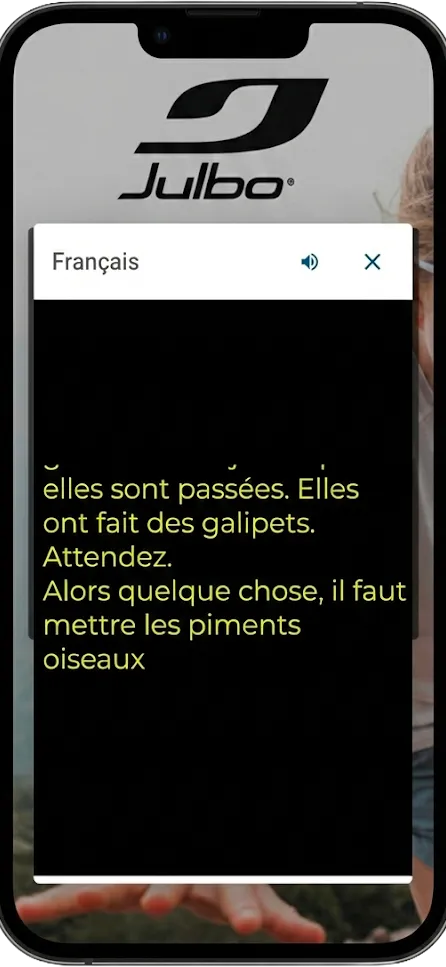
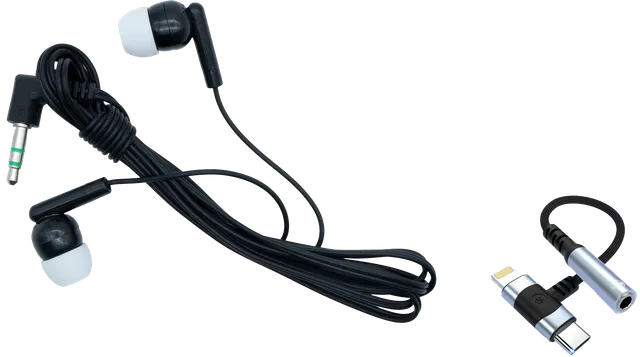
The web app can display subtitles, transcriptions and translations in real-time, in addition to audio. Useful for those who can't use headphones, for the deaf and hard of hearing, or for those who prefer reading.
- check_circleText synchronized in real-time
- check_circleAvailable in all event languages
- check_circleAccessibility for deaf attendees
- check_circleIdeal for those who prefer reading
Want to project on a big screen?
The same text source can be displayed in teleprompter format, optimized for projectors and large monitors.
arrow_forward Discover Teleprompter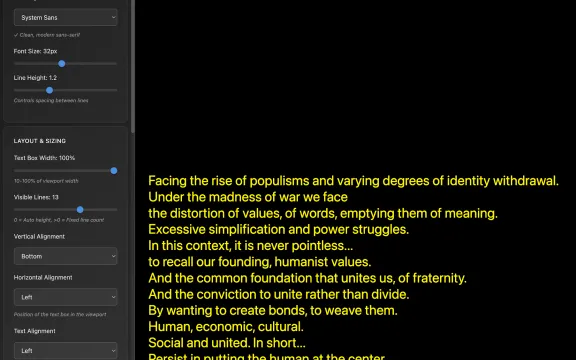
Phone Backup
For users without internet or headphones, a phone call option can be activated.
Dial-In
User callsA button appears that automatically dials the number and event code. User starts the call and selects language.
Dial-Out
System callsUser enters their phone number and receives an automatic callback from the system.
info Ideal as backup for attendees with connection issues or incompatible headphones.
Registration & Login
For restricted events: corporate SSO, 2FA, geographic and domain restrictions.
Statistics
Post-event report: how many users, from where, which language, listening time.
Landing Page
For multi-room or complex events: an entry page with links to different rooms or resources.
Other Uses
Converso App is versatile: it's not just for simultaneous interpretation.
Silent Meeting
Silent conferences where audio goes only to headphones. Ideal for multiple rooms in a single open space.
Multilingual Cinema
Screenings with audio in multiple languages for international audiences.
Audio-Video Sync
Multilingual audio synchronized with video in exhibitions, museums, and fairs.
Guided Tours
Guide speaks in transmitter app (Tourcast®), group listens in Converso App.
Infographic
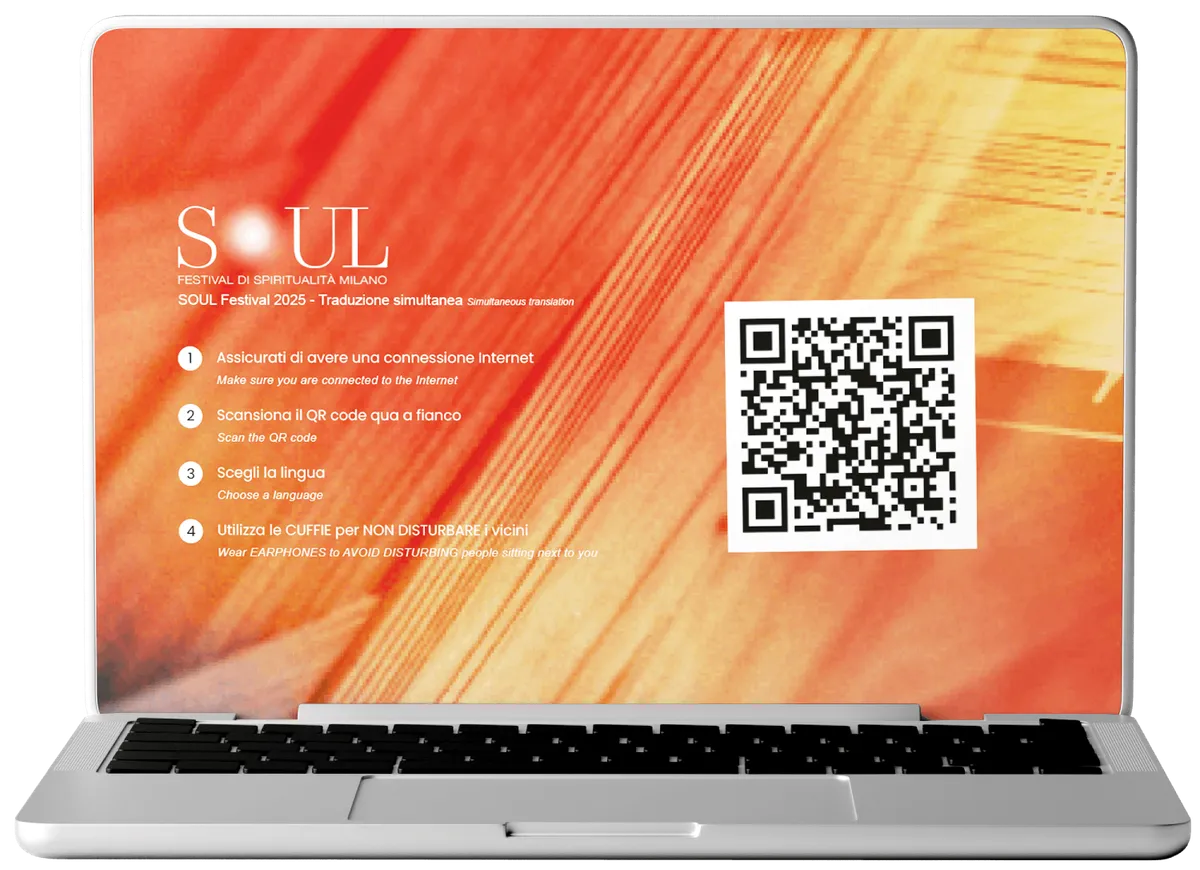
A ready-to-project screen with QR code and instructions to connect the audience. Available in various formats and customizable with event branding.
- check_circleLarge, clearly visible QR code
- check_circleClear instructions for the audience
- check_circleCustomizable with event logo and colors
- check_circleAvailable in various formats (16:9, 4:3, vertical)
How to Transmit?
There are different ways to publish audio to Converso WebApp, depending on the event type.
Remote Interpreters
Interpreters use the Soft Console to receive the floor and transmit interpretation.
arrow_forward Discover Soft ConsoleLocal Service / Control Room
With on-site interpreters and traditional consoles, the service uses the Streamer interface to publish.
arrow_forward Discover IntegrationsSideTerp
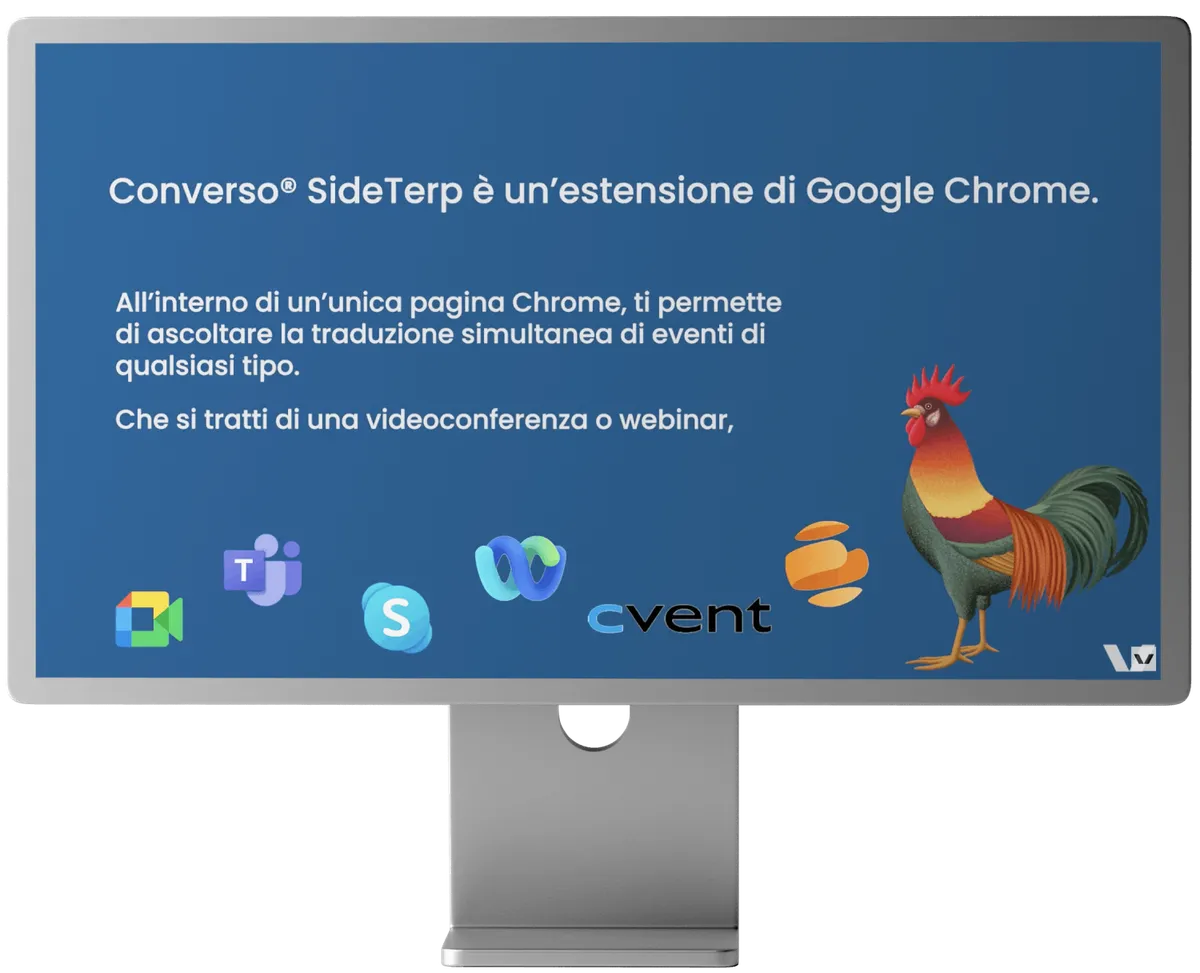
Listen to simultaneous translation directly from the streaming page. SideTerp sits beside the video player and automatically mutes the original audio when you select a language.
- check_circleWorks directly in Chrome browser
- check_circleAutomatic muting of original audio
- check_circleCompatible with any streaming platform
Ready to simplify translation at your events?
Converso App eliminates the logistics of traditional receivers. Every attendee uses their own smartphone.